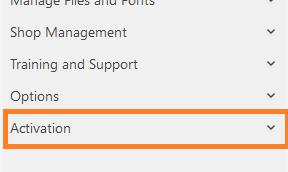
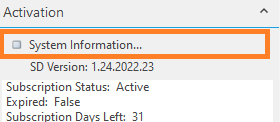
Update Smart Designer activation email Sam Gerardo February 16, 2026 19:51 Open Coreldraw In Smart Designer, expand the Activation section. Once expanded, click on the "System Information" option The System Information window will appear, enter your updated email and click save on this window. Related articles Smart Designer Toolbar Missing Requesting download link for Smart Designer Deactivating Smart Designer - Activations Exceeded Updating Smart Designer with GraphicsFlow add-on How to save Smart Designer system info Comments 0 comments Please sign in to leave a comment.

Comments
0 comments
Please sign in to leave a comment.