
If you are encountering an "Activation Exceeded" error in Smart Designer, or if you are in the process of setting up a new system, please follow these steps to manage and remove existing device activations.
- Login to GraphicsFlow
- Once Logged in Click on Account Settings
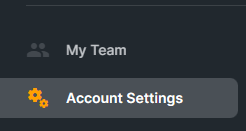
- In the Account Settings section, select Plans and Billing

- Once in the Plans and Billing section, scroll down to Addons > Smart Designer for CorelDraw
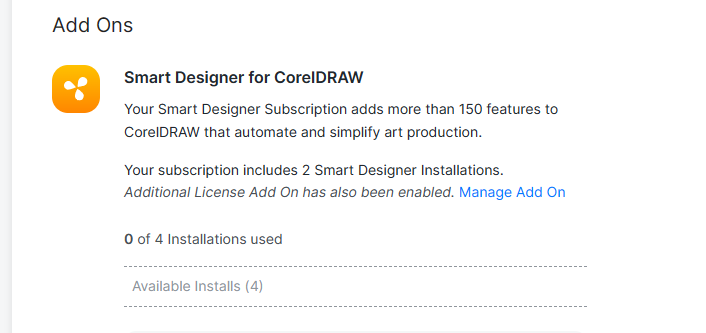
- In this section you can click Remove Device to remove any system you no longer want activated

Comments
0 comments
Please sign in to leave a comment.