Skip to main content
- In the search box next to the Start button on the taskbar, type control panel. Select Control Panel from the list of results.
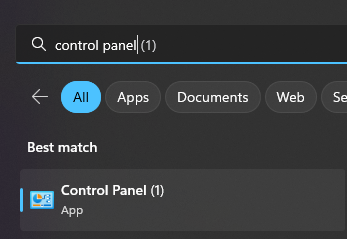
- In the Control Panel, locate Programs and Features

- In Programs and Features list, locate your version of CorelDRAW

- Once located right click your version of Coreldraw and select Uninstall/Change

- The CorelDRAW setup wizard will open
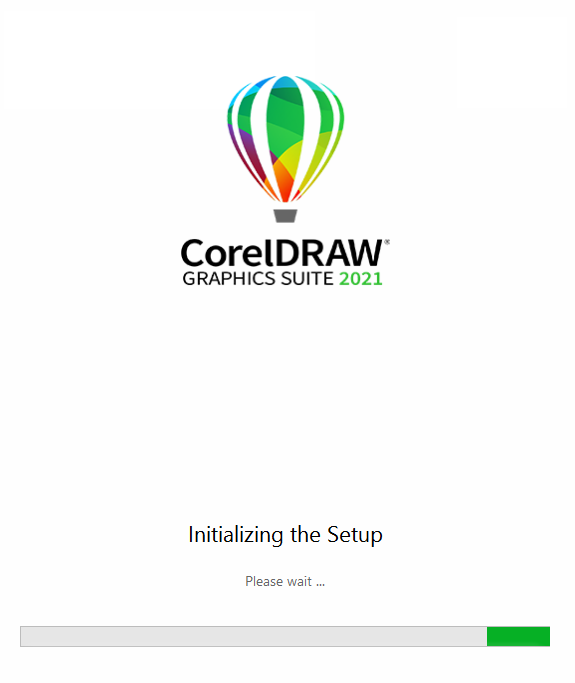
- In the setup wizard select the Repair option and click on the repair button
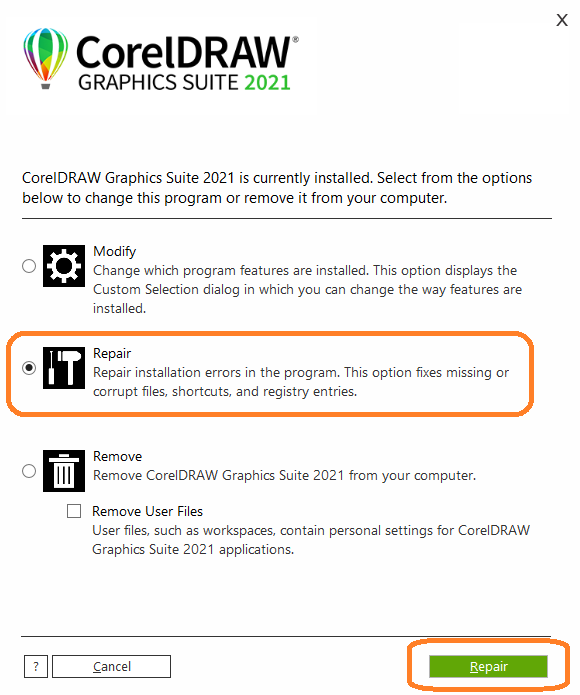
- This will repair the CorelDRAW installation, once finished a restart of your computer is recommended.

Comments
0 comments
Please sign in to leave a comment.